

PornWorks
PornWorks combines NSFW AI image and video generation with character references, templates, and image editing. Free features are available alongside paid tools and credits for additional processing.

Deepswap swaps faces in photos, videos, and GIFs, including multiple faces in a clip. It also offers AI video generation and photo tools, with credits charged by the task and video length.

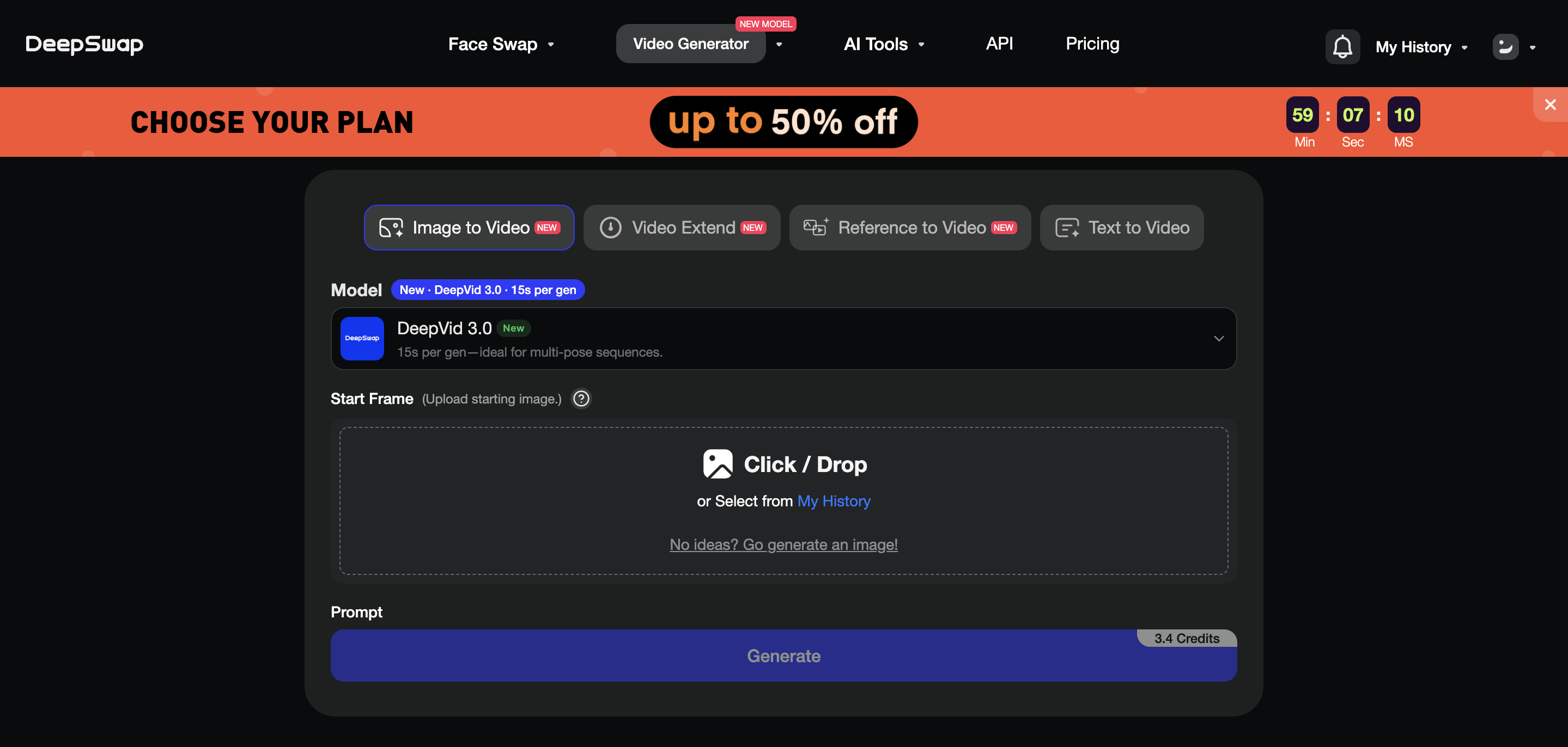
Deepswap is an online face-swap tool for photos, videos, and GIFs. You upload your source media, add a replacement face, then generate and download the result. It also has AI video generation and several photo-editing tools.
Its main use is editing existing media. The workflow is different from building an AI girlfriend or starting a character conversation, which is why it belongs in the face-swap category.
You can work with a still picture, an animated GIF, or a video clip. Multi-face video swapping supports up to six faces in the same clip.
Full Access includes HD face swapping, multitasking, and videos up to 30 minutes long. Longer clips also require more credits.
Use your own face or material you have permission to edit. For the most reliable input, choose a clear face looking towards the camera. Small faces, side angles, and frequent movement can make tracking less consistent.
Deepswap also generates video from text or an uploaded image. A reference-to-video option accepts reference media, with a separate charge for video references.
These are creation tools alongside the face-swap editor. Generating a clip from a prompt is a different operation from replacing a face in an uploaded clip.
Photo tools include background removal, image quality adjustment, and a cartoon conversion option. There's also an AI character image tool.
Full Access includes 20 credits. Annual access supplies 20 credits each month, for 240 across the year. The current subscription price is shown when signed in.
Photo face swaps cost 0.1 credit each, GIF swaps cost one credit, and video swaps cost one credit per 15 seconds. A partial 15-second block is rounded up.
AI video generation has its own rates. DeepVid 2.0 starts at one credit per five seconds without audio. Other models, higher resolutions, and audio can cost more.
Credits are shared across tasks, so video length is a useful starting point when planning a face-swap project.
Your account shows the current introductory access and paid credit offers. Any free allowance can change with the available promotion.
Download the results you want to keep. Generated creations have a one-week storage period, while uploaded source files normally have a 30-day period that resets when reused for a face swap.
Website subscriptions can be managed through Account info. Some payment methods don't support automatic renewal, so the controls available depend on how you paid.
Standard video face swaps are billed in 15-second blocks. A 30-second clip uses two credits; a 31-second clip uses three because the final partial block is rounded up. A one-minute clip uses four credits.
This makes clip length a practical budget choice. If you only need a short section, preparing that section before uploading avoids paying to process footage you won't use. Charges for AI video generation follow a different schedule.
Multi-face support matters when several people appear in a scene, but the quality of the input still affects the result. A clear frontal face gives the system more to work with than a small, partly hidden face.
Tracking controls let you review detected face selections throughout a clip. Fast movement, side angles, and occlusion can require a closer look at the finished result.
Failed generations return their credits automatically, with the transaction recorded in Credits history.
Deepswap focuses on visual editing and generation, including its AI character image tool. It suits photo and video projects rather than ongoing companion conversations.
For that reason, compare it with other photo and video face-swap tools when editing is your goal. Choose a companion platform separately if you mainly want character chat or calls.
Deepswap is relevant if your priority is working with faces in existing media, especially clips with several people. It also gives you video-generation tools in the same account.
If you mainly want to create original characters and images, compare SoulGen. For NSFW image and video generation built around original AI characters, see AIFapper.