

Sudowrite
Sudowrite is an AI writing tool for fiction, romance, and erotic stories. Plan novels with Story Bible, draft scenes with Muse, and rewrite or expand passages while keeping your characters and writing style in view.
Sudowrite review
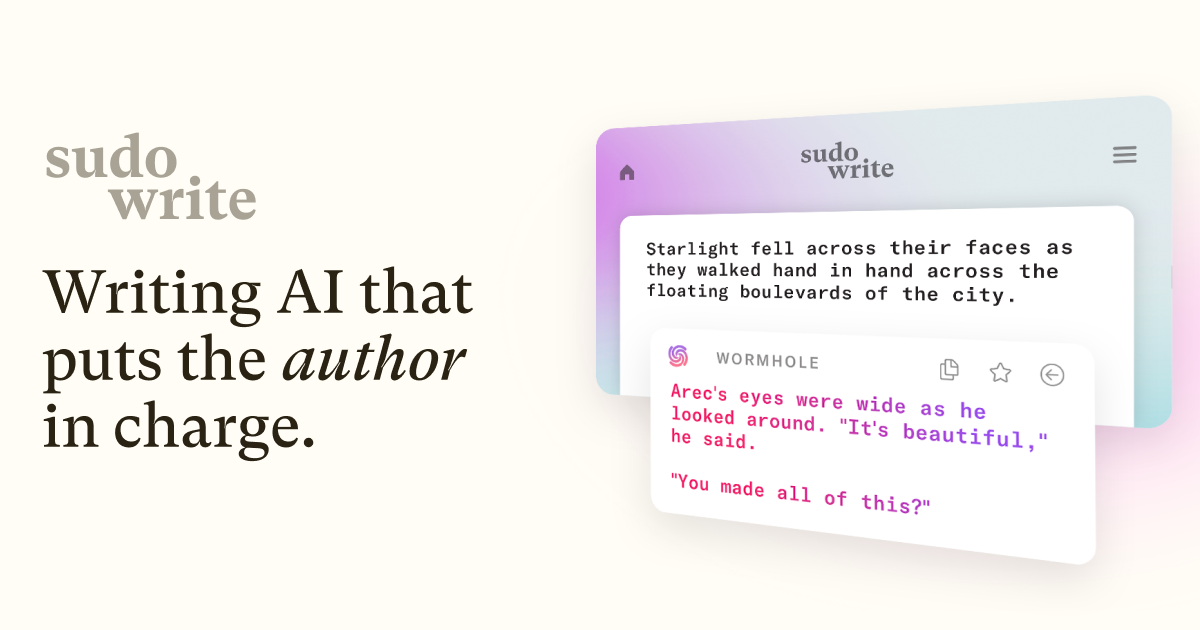
Sudowrite is an AI writing workspace for fiction, including romance and erotic stories. You can develop a premise, organize characters and worldbuilding, draft scenes, and revise existing prose in the same project.
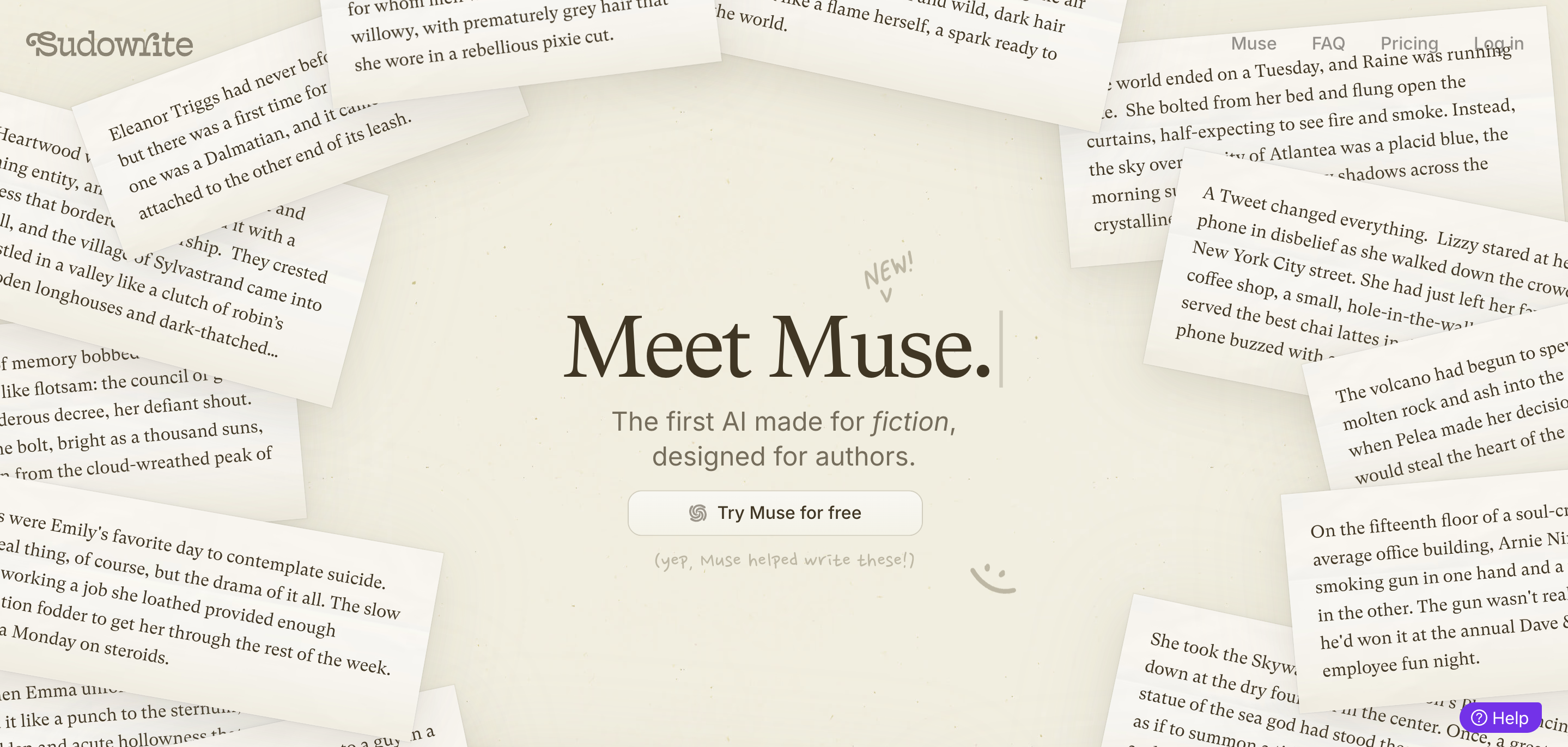
For NaughtyPicks readers, its appeal is the combination of adult-fiction support and longer-form writing tools. Muse, its fiction-focused model, supports explicit adult scenes. Story Bible gives those scenes a wider context, with character notes, relationships, and an outline to work from.
Writing erotic fiction with Sudowrite
Sudowrite supports erotic fiction through Muse. You can work on a short adult story or develop intimate scenes within a longer romance, with control over the surrounding plot and character relationships.
Model choice matters. Other models available inside Sudowrite have different content restrictions, so switching models can change how they handle an explicit passage. Muse is the relevant starting point for adult prose.
Give the scene a clear purpose and explain the tone you want. A tense reunion and a playful encounter need different pacing, even when they involve the same characters. You can revise the result with your own text or ask for another version.
Adult-fiction support still operates within Sudowrite's terms. It isn't a promise that every subject or request is permitted.
Sudowrite pricing
There are three subscription tiers. Prices below are in US dollars:
| Plan | Monthly billing | Annual billing equivalent | Monthly credits |
|---|---|---|---|
| Hobby & Student | $19/month | $10/month | 225,000 |
| Professional | $29/month | $22/month | 1,000,000 |
| Max | $59/month | $44/month | 2,000,000 |
Annual billing is paid upfront. At the displayed rates, that works out to $120, $264, or $528 for a year.
The core writing tools are available across plans. Professional and Max also include Feedback for developmental edits, line edits, and AI beta reads.
Can you try Sudowrite for free?
A free trial is available without a credit card. It includes limited AI usage so you can try the writing tools before subscribing.
Use a passage of your own writing to see how the suggestions fit your voice. A short drafting task and a rewrite are useful starting points before spending the trial allowance on a full chapter.
How credits work
Credits cover AI writing actions. The feature, model, and passage length determine how much an action uses, with longer drafts and repeated revisions drawing on the same balance.
Hobby & Student and Professional credits expire at the monthly refresh. Max credits can roll over for up to 12 months while you maintain that plan.
You can buy extra credits with an active subscription. Purchased credits don't expire, but you need an active subscription to use them. Monthly credits are used first.
Plan a novel with Story Bible
Story Bible stores the main elements of a project: the premise, genre, style, synopsis, characters, worldbuilding, outline, and scenes.
You can fill these sections manually or use generation tools to develop them. The saved details help guide later scene and chapter drafting. That makes Story Bible useful even if you prefer to write most of the prose yourself.
For romance or erotic fiction, character notes are a place to establish relationships and motivations before drafting an intimate scene. Update those notes when the story changes so later generations have the right context.
Draft scenes and continue your writing
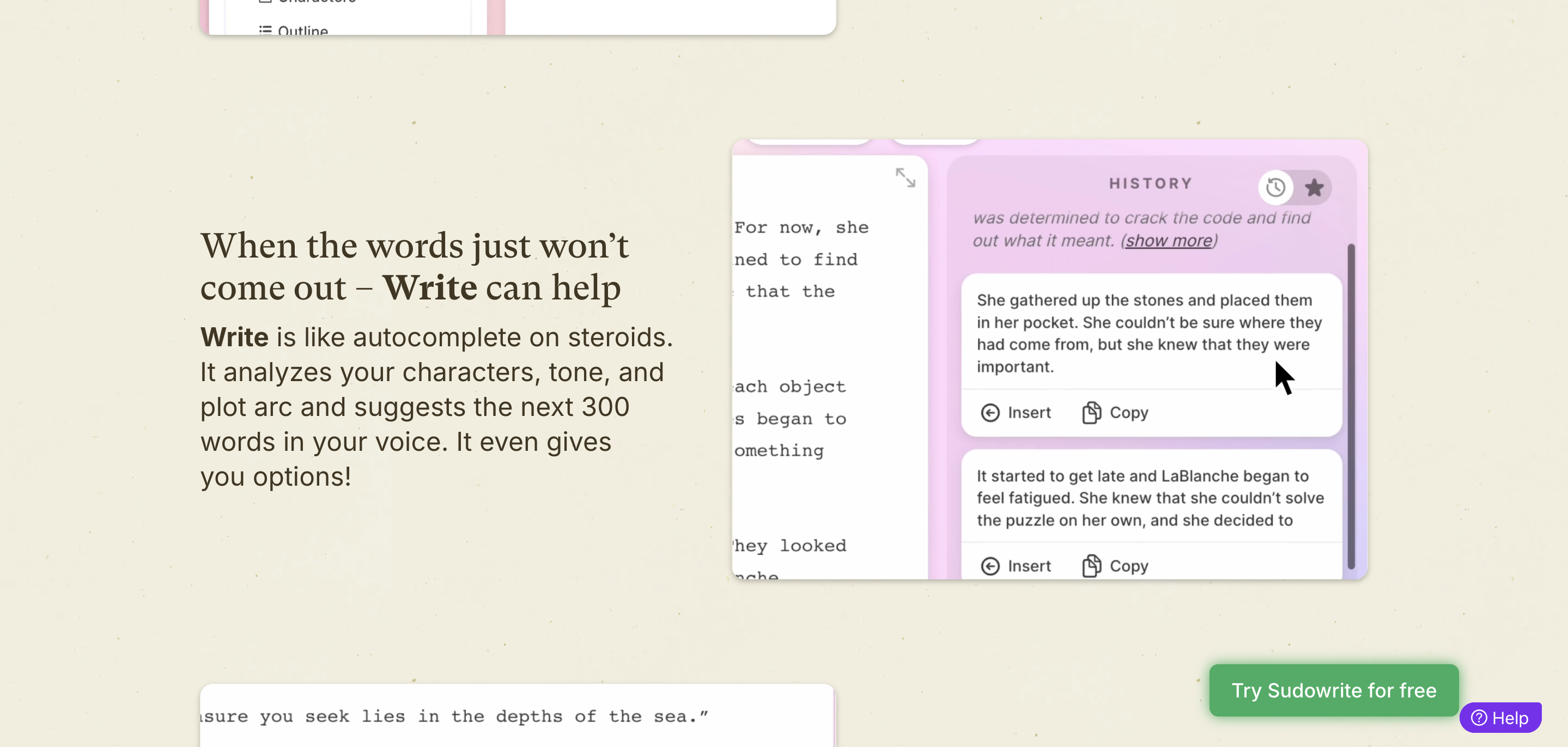
Write continues an existing passage. Auto mode suggests what could happen next, while Guided mode lets you provide a direction first.
First Draft works with scene ideas or notes. Draft uses the scenes in your outline to produce chapter prose, giving you a more structured route through a longer manuscript.
These tools give you material to edit. Read for continuity, repeated details, and whether the characters still sound like themselves before moving to the next scene.
Rewrite, describe, and expand
Rewrite revises selected text. You can ask for a shorter version, change the tone, or give custom instructions for the passage.
Quick Edit handles targeted changes through a short instruction. It's useful when you know the specific problem, such as a viewpoint change or dialogue that needs to sound less formal.
Describe suggests sensory details. Expand adds room to a moment that feels rushed. For a scene with good dialogue but little atmosphere, those are different jobs: add the missing detail first, then decide whether the pacing needs more space.
Feedback and writing chat
Sudowrite Chat lets you brainstorm and work with project context through a conversation. You can discuss a plot problem, develop character material, or ask for changes to your writing.
Feedback is available on Professional and Max. It leaves comments and suggested next steps in your document, with options for different kinds of editing. AI beta readers focus on areas such as emotional impact, structure, and plausibility.
Use those comments as another editing pass. You can accept, dismiss, or revise suggestions according to the story you want to tell.
Community and plugins
Sudowrite has a Discord community, writing classes, and a directory of community-created plugins.
Plugins add writing, editing, and analysis functions. You can use an existing one or build a custom tool around your own instructions, including a particular revision process you repeat across chapters.
Mobile writing and exporting
Sudowrite has a web workspace and companion apps for iOS and Android. Projects and documents sync through the same account, and credits are shared across devices.
The mobile app supports writing on the go, although some management features require the web app. Full series organization is one example.
You can export individual documents or a whole project. Project exports can bundle documents into a ZIP or combine them into one document. Story Bible material has separate export options.
Your writing and subscription
You keep ownership of your writing and generated output. Sudowrite states that it doesn't use your writing to train its models.
If you cancel, you can still access and export your documents. Continuing to use paid AI features requires an active plan.
More questions about Sudowrite
Is Sudowrite useful for short erotic stories?
Yes. You can work on individual scenes or short stories without planning a full novel.
Do all Sudowrite models handle erotic content the same way?
No. Muse supports explicit adult fiction, while other model options have different restrictions.
Is the lowest price billed monthly?
The $10 Hobby & Student rate requires annual billing. Paying month to month costs $19.
Can I rewrite something I've already written?
Yes. Select the passage and use Rewrite or Quick Edit to give it a new direction.