
Latex AI: 8 tools for fashion and character images compared
Latex AI art is a useful test of an image workflow: the outfit design, lighting and character presentation all contribute to the result. This guide compares tools for fictional adult character images and fashion artwork, with emphasis on generation controls, editing and reusable characters.
Seduced leads for detailed visual creation, followed by Promptchan and AIFapper. The companion-led platforms appear later because they are more relevant when you want clothing variations around an ongoing character than when you want a dedicated image workspace.
Latex AI image tools at a glance
| Tool | Why it fits | Access detail |
|---|---|---|
| Seduced AI | Extension mixing and saved visual characters | Pro starts at $30 monthly before VAT; paid two-day trial |
| Promptchan AI | Pose controls, Tweak and reusable community settings | Daily free Gems; paid plans expand quality and styles |
| AIFapper | Presets, GoonGen models and credit-pack pricing | One-time generator packs from $9.99; separate NAUGHTY offer |
| Lovescape | Character images, editing and video with sound | Premium from $19.99 monthly with 600 Chips |
| Candy AI | Outfit images around a saved companion | One-image preview; Premium media uses tokens |
| Secret Desires AI | Character customization with images and memory | Four starter images; Pro from $7.99 monthly |
| SoulGen | Realistic or anime image creation and outpainting | Trial and credit offers displayed in the account |
| SweetDream AI | Companion media with outfit and pose suggestions | Premium and tokens cover paid generation |
Swipe the table sideways on a small screen.
1. Seduced AI: Extension mixing and saved visual characters
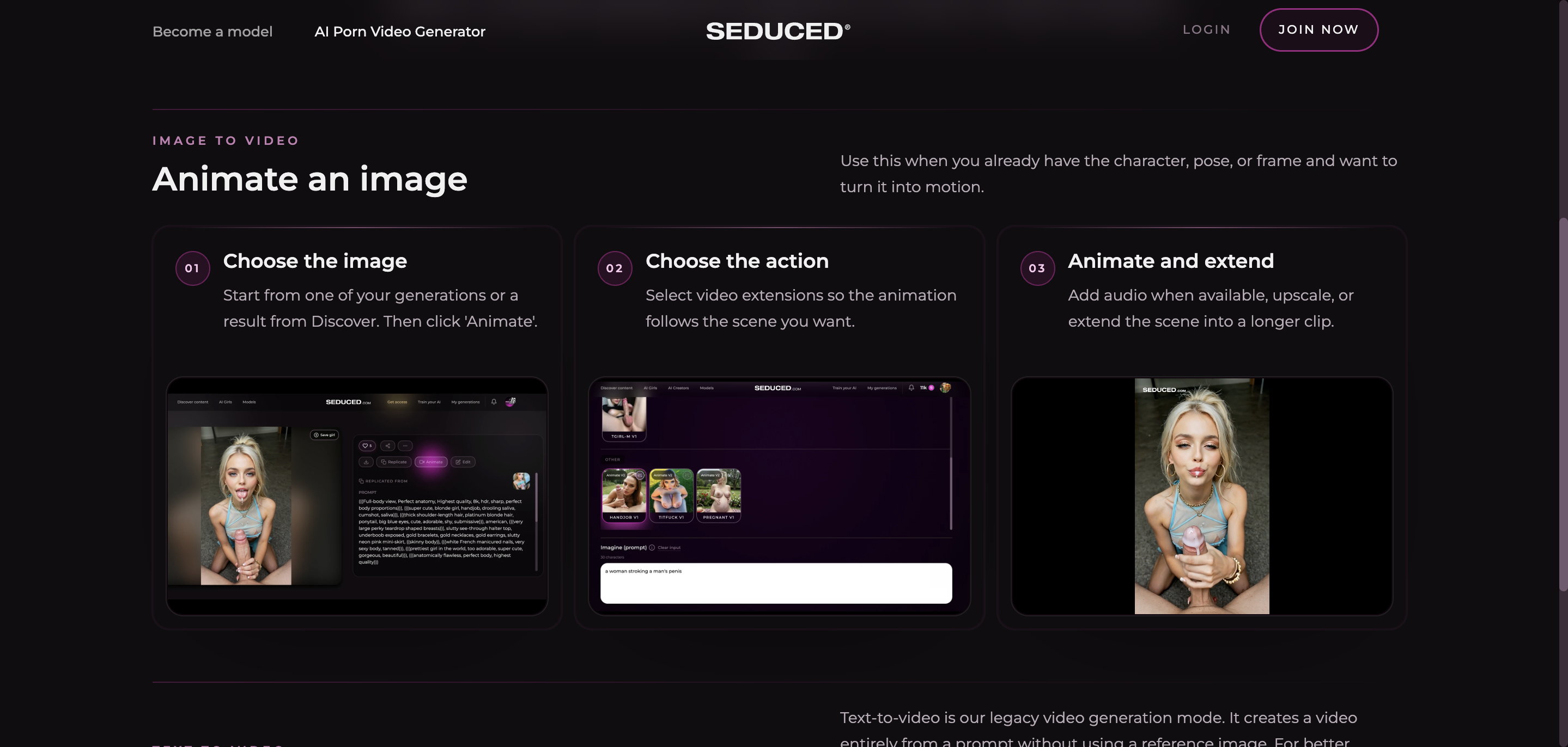
Seduced is our first latex AI art pick because the creative controls extend beyond a single prompt. Smart Workflow can prepare a compatible setup, Advanced mode lets you choose the model and extensions directly, and Series Feeder offers themed combinations.
Edit V2 provides a route for revising clothing or the environment in a generated image. Saved AI Pornstars let you reuse a visual character across later results. That is useful when the goal is a series of outfit images rather than an isolated portrait.
Pro focuses primarily on images. Platinum and Diamond add regular video access and larger extension allowances. Check compatible settings before combining extensions, since more controls are useful only when they work together.
2. Promptchan AI: Pose controls, Tweak and reusable community settings
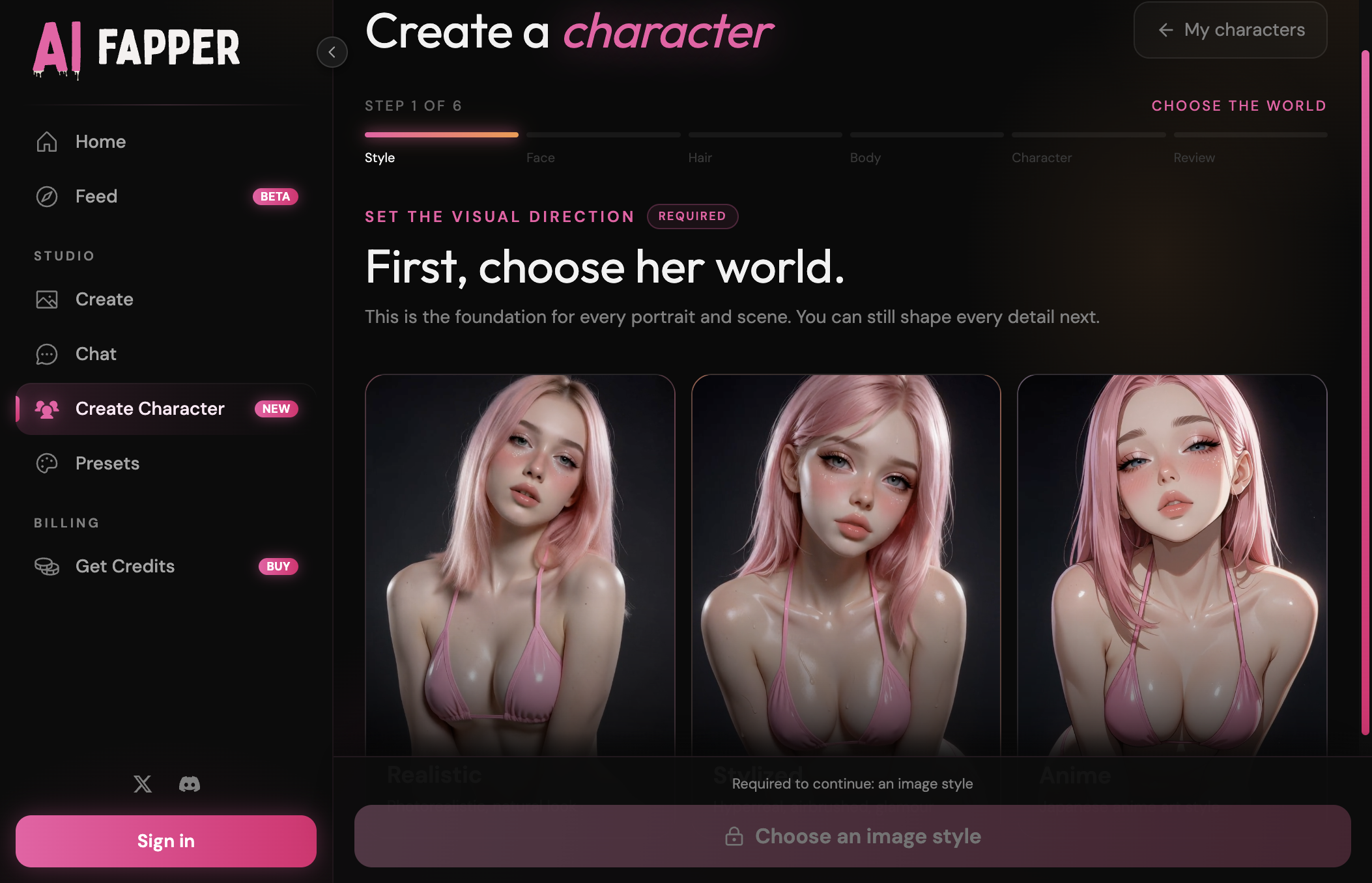
Promptchan comes second for the combination of generation and revision tools. Pose and style controls help establish the starting image, while community cloning gives you a saved recipe to adapt instead of beginning from a blank prompt.
Tweak lets you describe a change to an existing result. That is relevant when you like a character or composition and want a different outfit or setting. Realistic and anime directions provide different looks for the same broad fashion idea.
Paid plans expand quality and style access. Pro adds the advanced image-character tools and full-length video, so compare those requirements if you want to keep one character across a longer visual project.

3. AIFapper: Presets, GoonGen models and credit-pack pricing
AIFapper is third for presets and a credit-pack payment model. Its GoonGen image tools accept natural-language descriptions and structured tags, with camera treatments that can change the overall presentation.
The preset library gives you starting scenes and compositions that you can adapt around a selected character. This makes it relevant if your routine is to generate a few outfit variations without taking on a recurring generator subscription.
Generator credits and companion chat passes are separate. Custom character creation needs a pass, so include that access decision when comparing the total cost of a recurring character series.
4. Lovescape: Character images, editing and video with sound
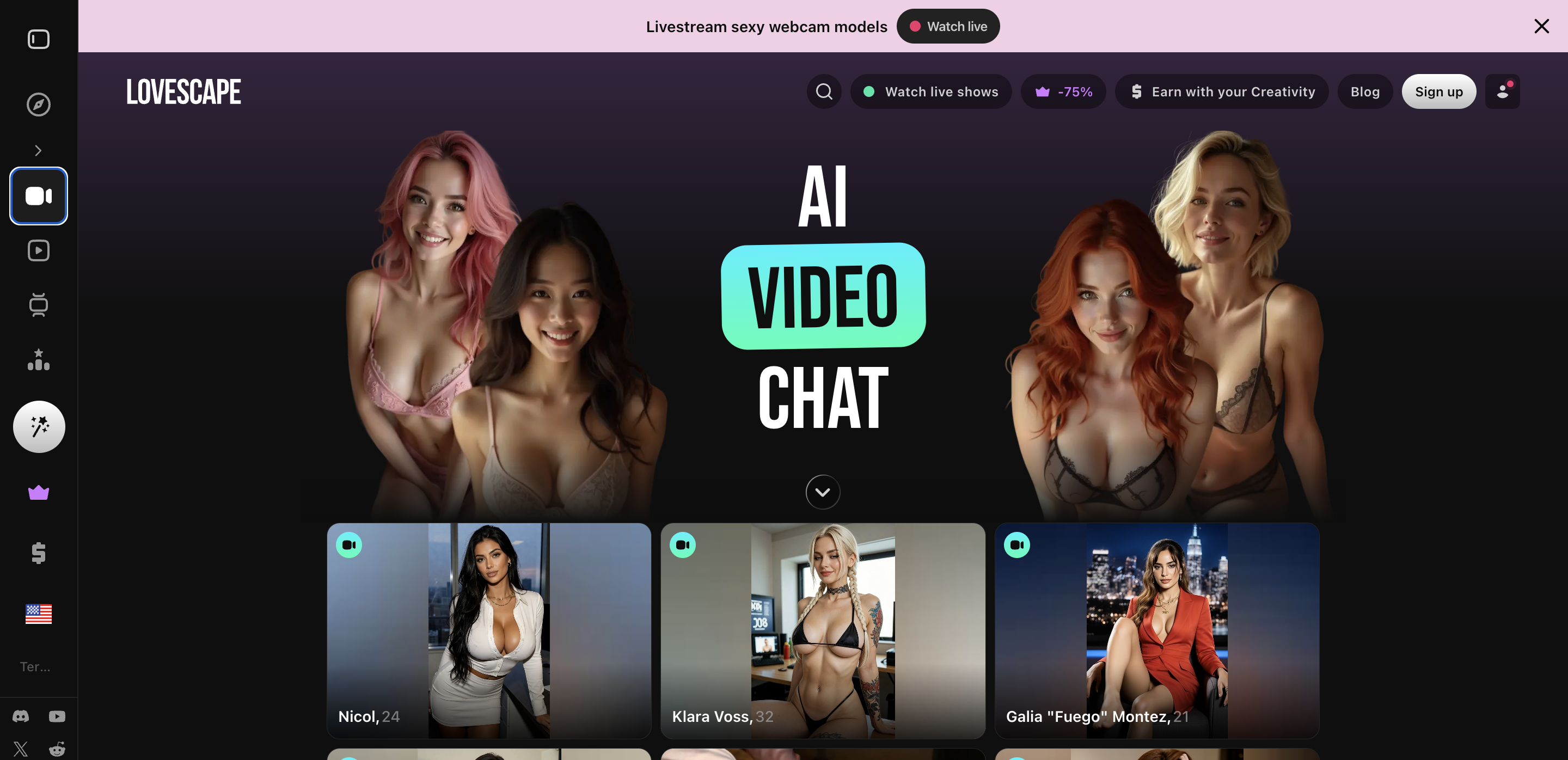
Lovescape places fourth because image creation and editing live around a saved companion. You can define a realistic or anime character, generate variations and then use the gallery editor to revise details.
The image editor provides a second stage after the first output. That is a practical reason to compare it for clothing-focused art instead of judging the platform only on a profile image or the size of a chat allowance.
Video generation and sound offer further formats around the same character. Those actions use Chips, so a high-resolution clip is a different spending decision from an image variation.
5. Candy AI: Outfit images around a saved companion
Candy ranks fifth for readers who want outfit images around an AI companion they also talk to. Character creation combines appearance with personality and voice, then images can be requested alongside the conversation or through the image tools.
Its strength here is the companion connection. If the main goal is a custom character with occasional fashion images, that may matter more than a large extension library. Dedicated visual tools remain higher in this particular ranking.
Premium includes unlimited text messaging, while images and other media use tokens. The free account has a one-image preview rather than an unlimited wardrobe-generation allowance.

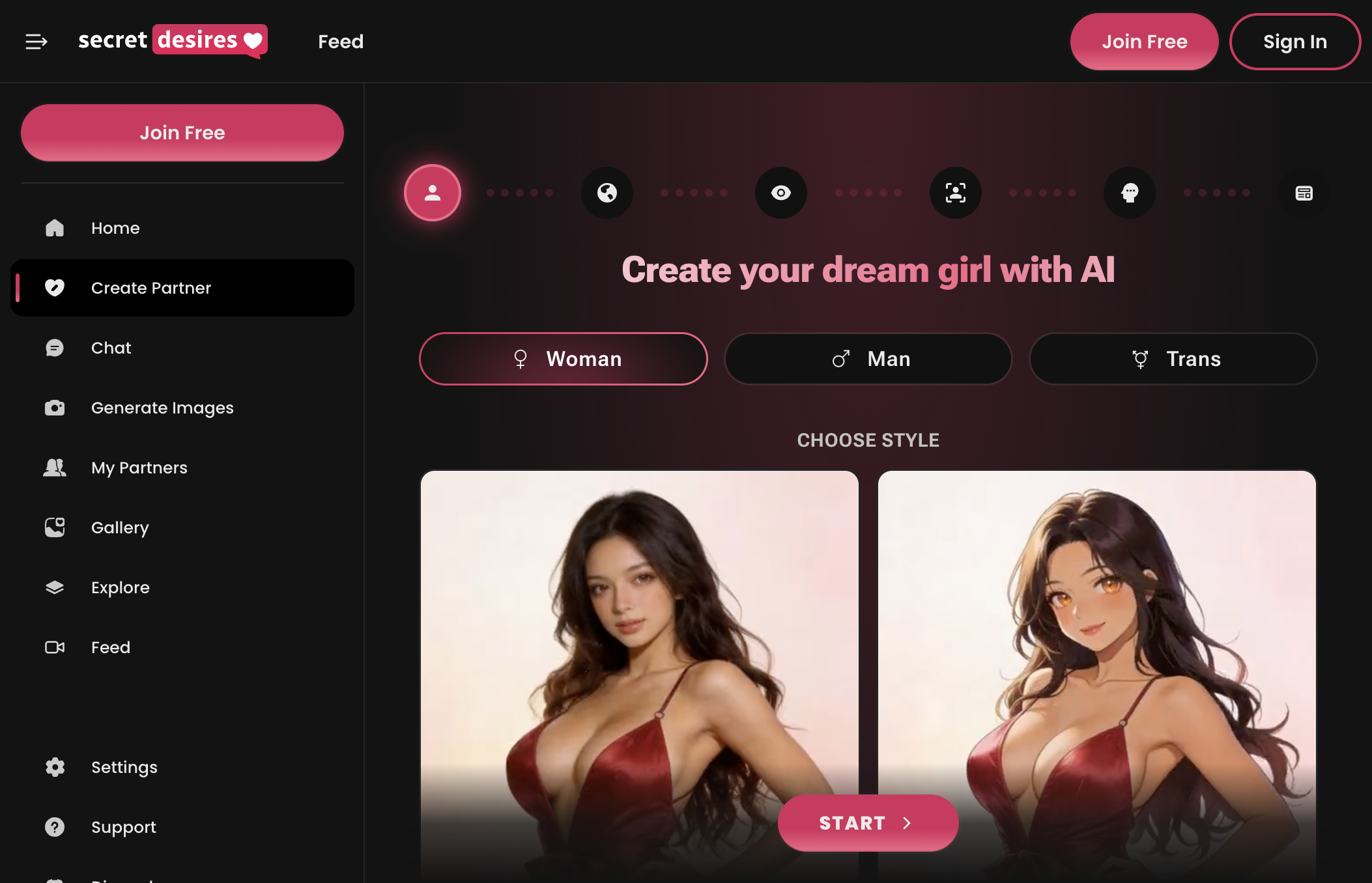
6. Secret Desires AI: Character customization with images and memory
Secret Desires follows for a custom companion with editable background details and connected images. Realistic and anime settings give you visual directions, while the character personality and relationship remain part of the broader experience.
It is useful when the character matters as much as the artwork. Memory Notes can keep selected details available during chat; image generation and animation provide other ways to interact with the companion.
The starter offer includes four images. Paid plans provide Hearts for selected premium actions, making the media balance a separate consideration from the chat engine you choose.
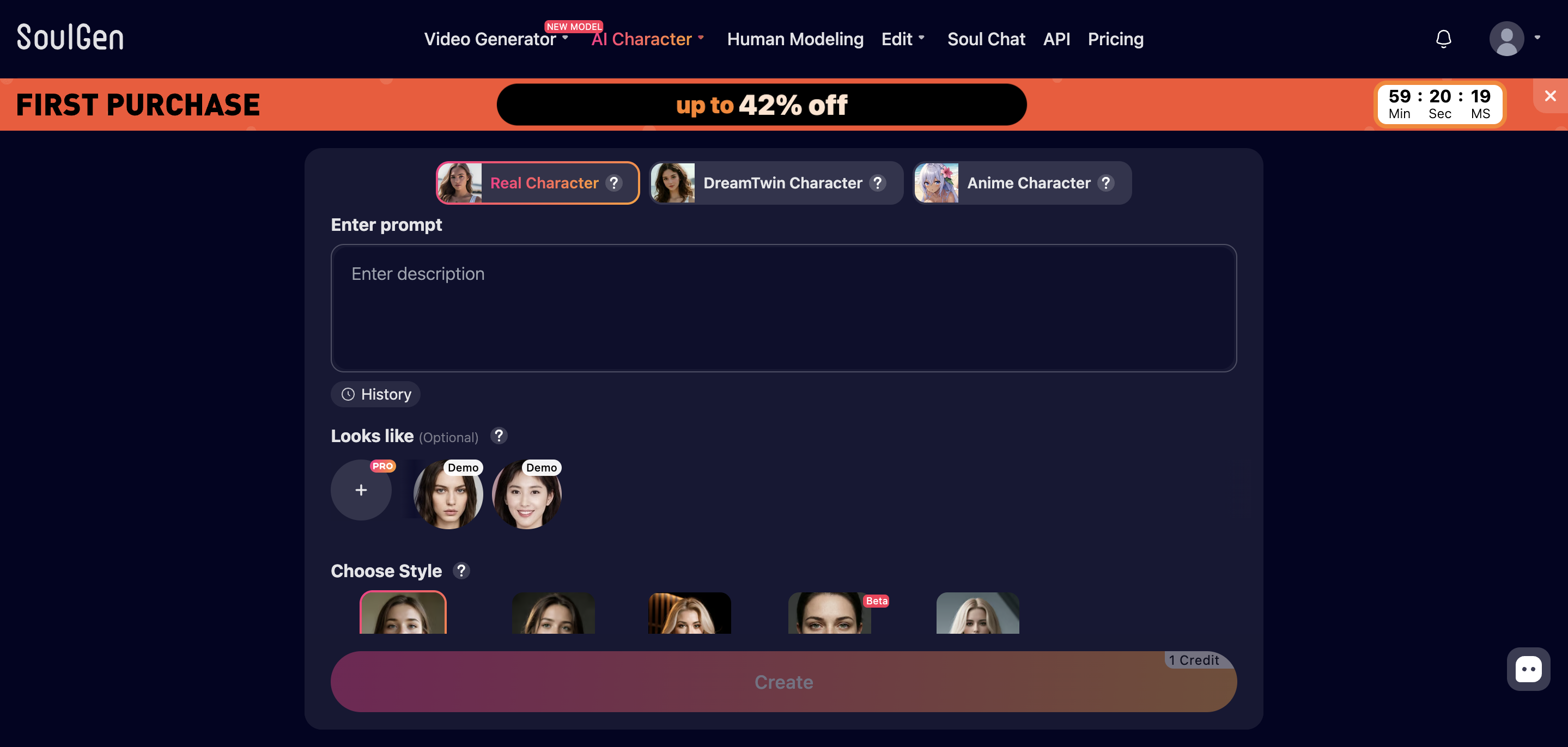
7. SoulGen: Realistic or anime image creation and outpainting
SoulGen is seventh for a workflow that includes image creation, editing and outpainting. It supports realistic and anime character images, with optional reference media in character creation and a range of video starting points.
Outpainting matters when you want more room around an existing composition. Compare that with the tools available for changing a generated region or revising the image, rather than assuming every image editor performs the same operation.
Pro includes 100 monthly credits. Images, chat and voice share the credit system, so look at the charge for the action you plan to use instead of treating the balance as an image-only allowance.
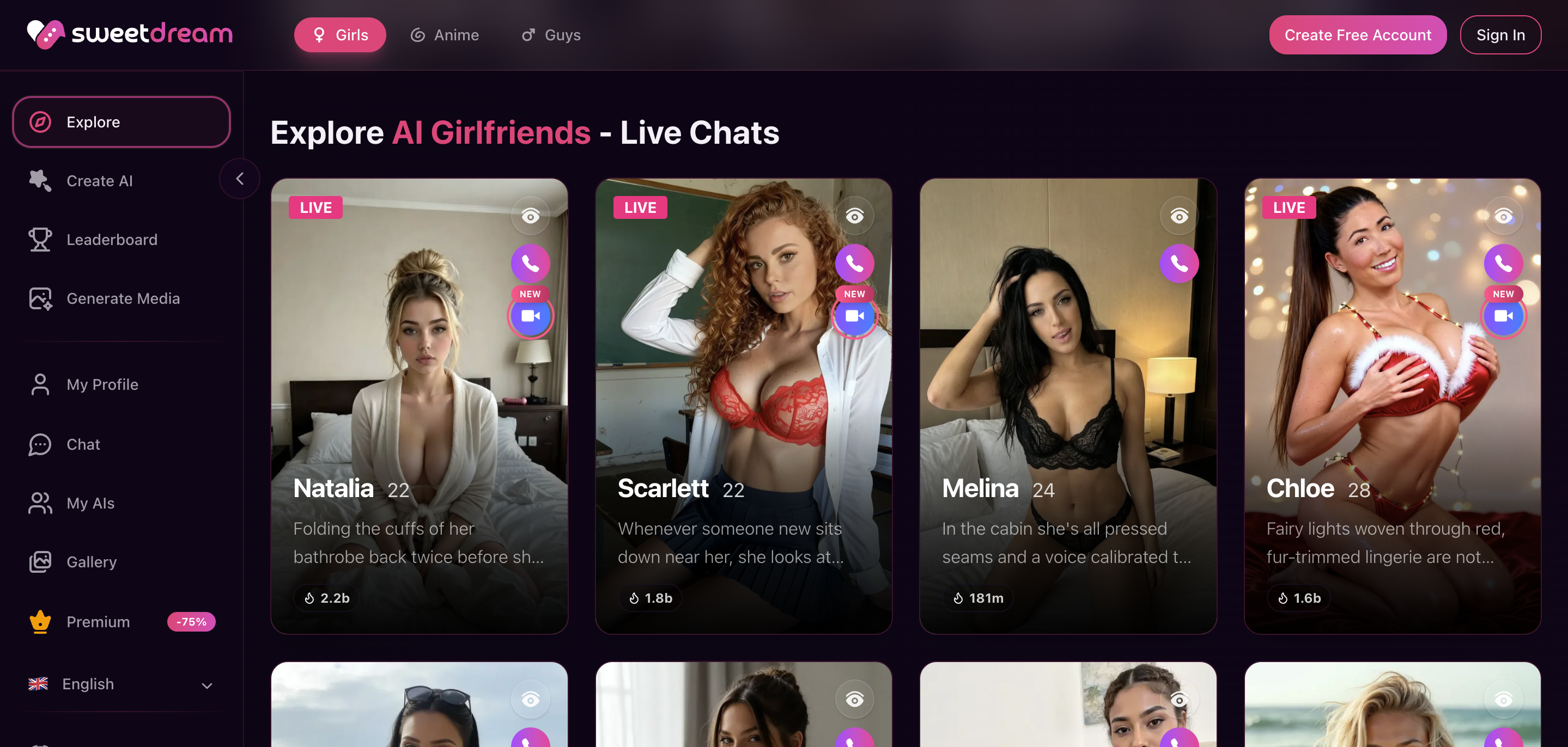
8. SweetDream AI: Companion media with outfit and pose suggestions
SweetDream completes the list for character-led media with prompt suggestions covering outfits, poses and settings. You can choose a saved companion and use the image generator rather than treating every request as a new independent character.
Batches offer several output counts, giving you a way to compare variations once you have a direction you like. Start small while adjusting the idea, then choose more variations when the basic look is settled.
Its live-cam features are a separate reason to use the platform. For this latex AI comparison, the relevant tools are the image workflow, character settings and token costs.
What to compare in a latex AI image editor
Look at how you can revise an image after generation. A preset selects a starting direction, a reusable character preserves an identity, and an editor changes part of an existing result. Those are different capabilities even when they appear in the same interface.
For fashion artwork, compare the visual style and the ability to revisit an outfit or composition. A glossy material can look different under a studio-lighting approach and a casual camera style. Keep the intended presentation clear when choosing between models or saved settings.
Use the results as a series rather than changing every setting at once. Reviewing a small set of variations makes it easier to decide whether the model, composition or revision tool is the part you want to change.
Taking character images into video
Image animation, text-to-video and video editing are separate starting points. Seduced animates platform-generated images, AIFapper supports text and image inputs through GoonVid, and Promptchan puts its full-length video and Extend tools in Pro.
Lovescape and SoulGen provide additional editing and video workflows. Compare source compatibility, length and resolution before paying for a larger balance. A clip with sound is another generation setting, not a feature to assume for every model.
Free previews and generation costs
Promptchan has daily free Gems. Secret Desires provides four starter images, Candy has a one-image preview, and AIFapper has the separate NAUGHTY redemption offer. Seduced's $10 two-day trial is paid and renews to Pro unless cancelled.
Compare subscriptions and action costs separately. Media credits can be shared with video, calls or other tools, while annual billing charges an upfront amount. Read the NSFW AI generator buying guide for a broader workflow comparison, or browse the Deals page for the listed offers.
Common questions
Which latex AI tool leads this shortlist?
Seduced leads for detailed visual creation, extension mixing, editing and saved visual characters. Promptchan is second and AIFapper third for their different generator workflows.
Can I create anime latex fashion images?
Several tools here support anime or illustrated character images alongside realistic styles. Compare the models and settings available on the selected plan.
Do I need companion chat for this kind of art?
No. A dedicated generator can be the better fit if your main interest is image creation. Companion platforms are useful when you also want the character and conversation features.
Can every platform animate an uploaded photo?
No. Source-image compatibility differs. Seduced animates images generated on its platform, while other tools have their own input and plan requirements.
Are all of these free generators?
No. The guide distinguishes free previews, code offers and paid entry trials from the cost of continued creation.